Rest Timer And Demos
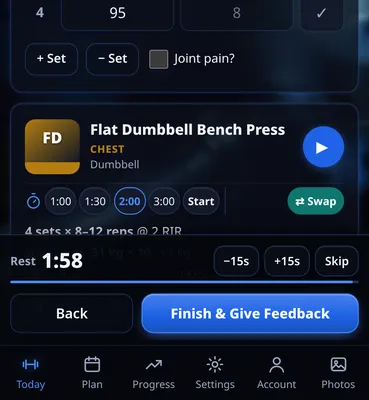
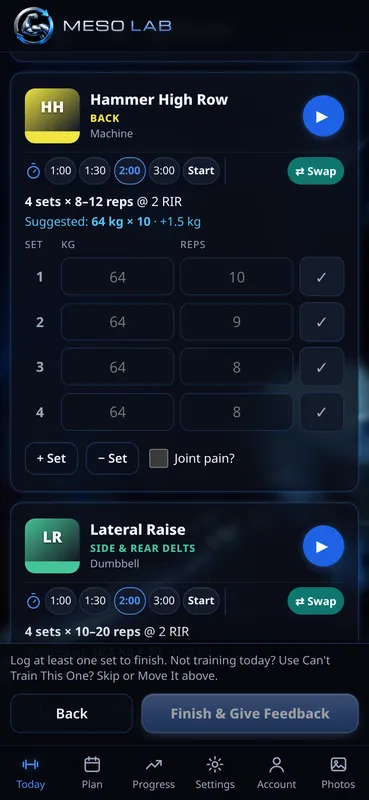
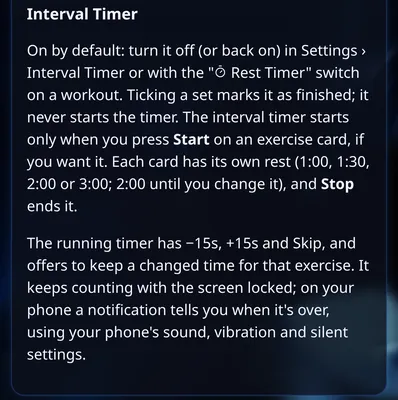
Pick 1:00, 1:30, 2:00 or 3:00 rest per exercise. The timer starts only when you press Start, adjusts by 15 seconds, and keeps counting with your screen locked. Every exercise has a demo button and a one-tap Swap.
 MesoLab
Pick 1:00, 1:30, 2:00 or 3:00 rest per exercise. The timer starts only when you press Start, adjusts by 15 seconds, and keeps counting with your screen locked. Every exercise has a demo button and a one-tap Swap.